Service
Amazon Infographic Design Service in India
Most shoppers on Amazon India scroll the image gallery on their phone and never open the bullet points. An infographic puts your key selling points — size, material, what's in the box, how it works — right inside that gallery, where the buying decision actually happens. ListingShot designs clean, mobile-readable Amazon infographics for Indian sellers and D2C brands, delivered within 24 hours, and your first product is free.
Where infographics go on an Amazon listing
Amazon's own photo guidance asks for the main image to be the product on a pure white background (RGB 255, 255, 255). Text, borders and decorations on that main image can earn a quality alert on your listing, so the first slot stays a clean white-background hero shot. Infographics belong in the additional slots, from image 2 onwards. Amazon recommends at least six images and a video per product; a strong stack usually mixes two to four infographics with lifestyle and close-up photos.
On the technical side, Amazon accepts JPEG, PNG, TIFF and non-animated GIF files between 500 and 10,000 pixels on the longest side, and prefers more than 1,000 pixels so zoom works. We export every infographic as a 2000 × 2000 px JPEG, so small callout text stays sharp when a buyer pinches to zoom.
Infographic types we design
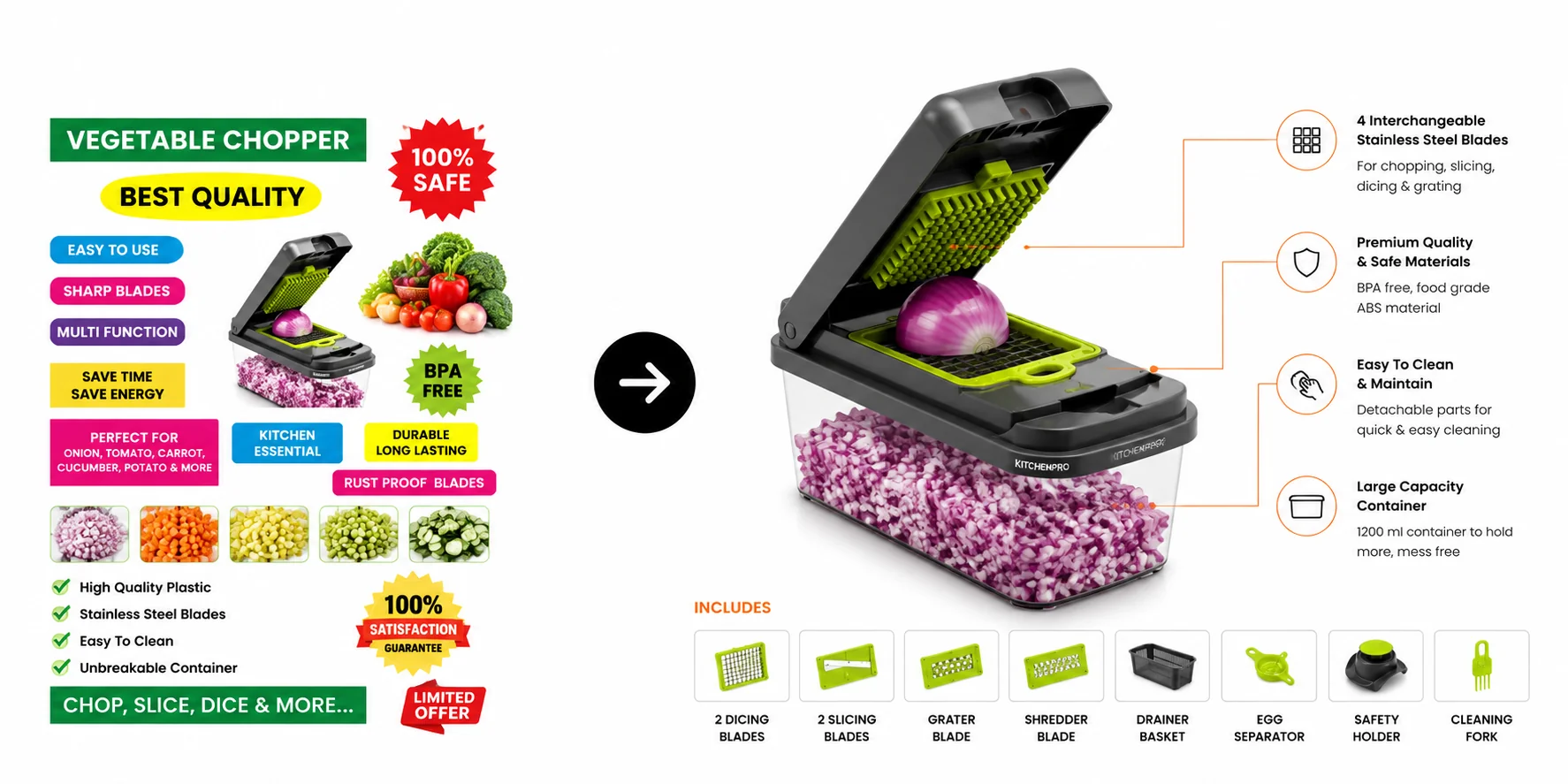
Feature callouts
The product in the centre with 3–5 labelled benefits pointing to the part that delivers them. Best for gadgets, kitchen tools and anything with parts the buyer can't see in a plain photo.
Dimensions & size
Real measurements, capacity or a scale reference (a hand, a mug, a person). This is the image that stops "smaller than expected" returns.
What's in the box
Every item the buyer receives, laid out and labelled. Useful for sets, kits and combos where the listing title alone is confusing.
Comparison
Your product next to a generic alternative (never a named competitor) — material, capacity, warranty, or ease of use side by side.
How to use
Three or four numbered steps. Ideal for products that need assembly, cleaning or a technique — moulds, mops, skincare, appliances.
Material & safety
Close-ups of the material with the claims you can actually back up — food-grade, BPA-free, stainless steel, pure cotton — so buyers trust what they read.
Recent infographic work
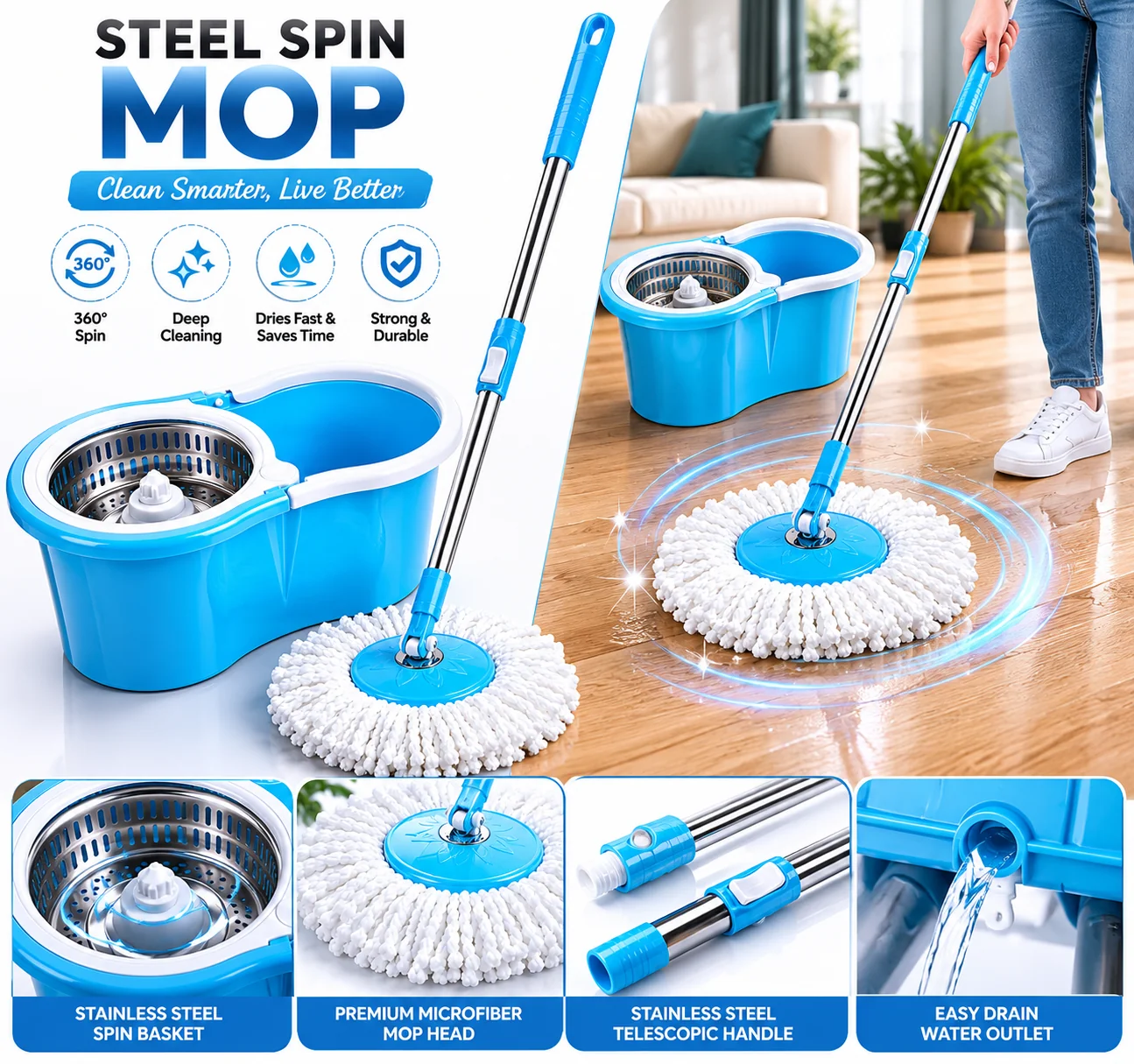
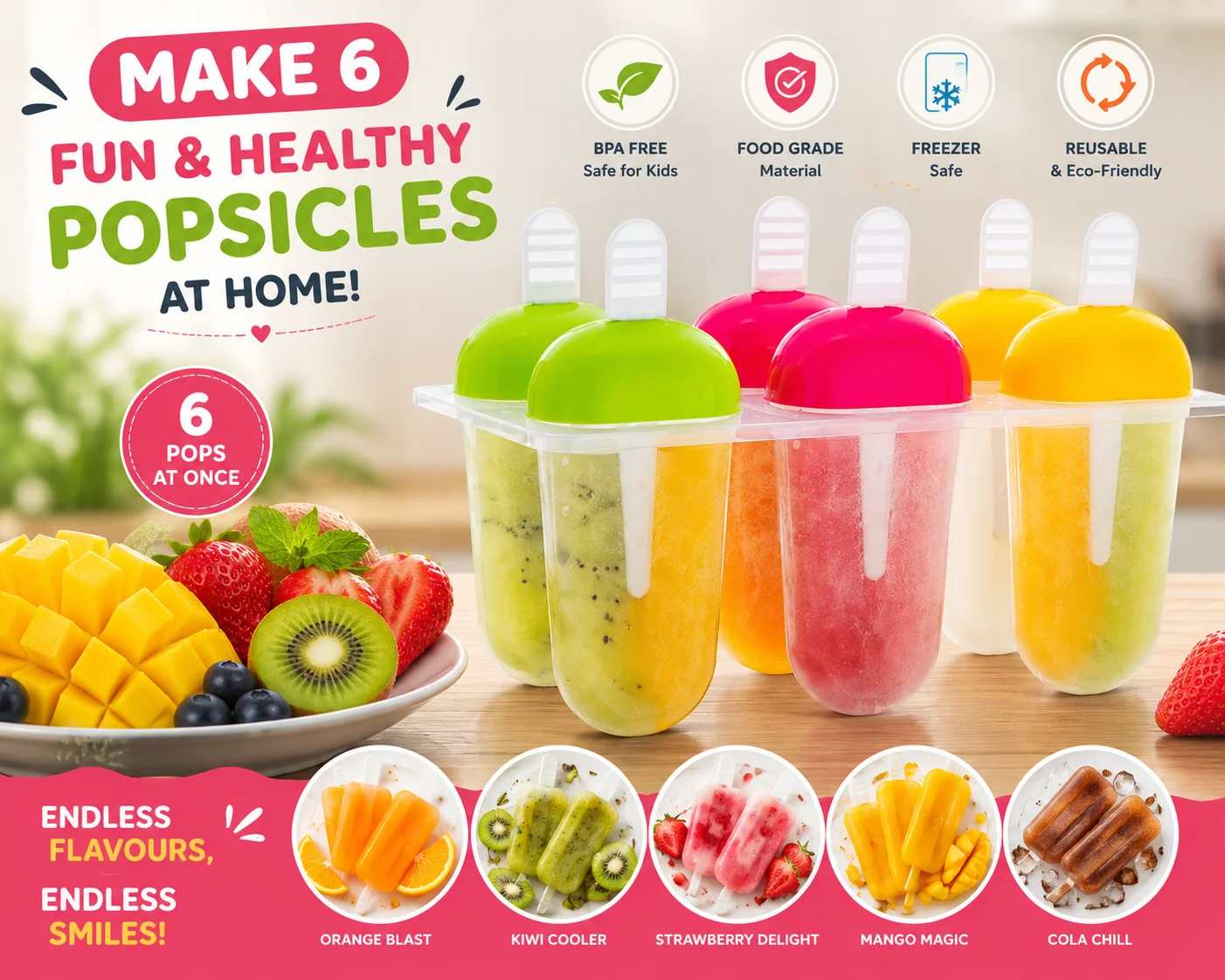
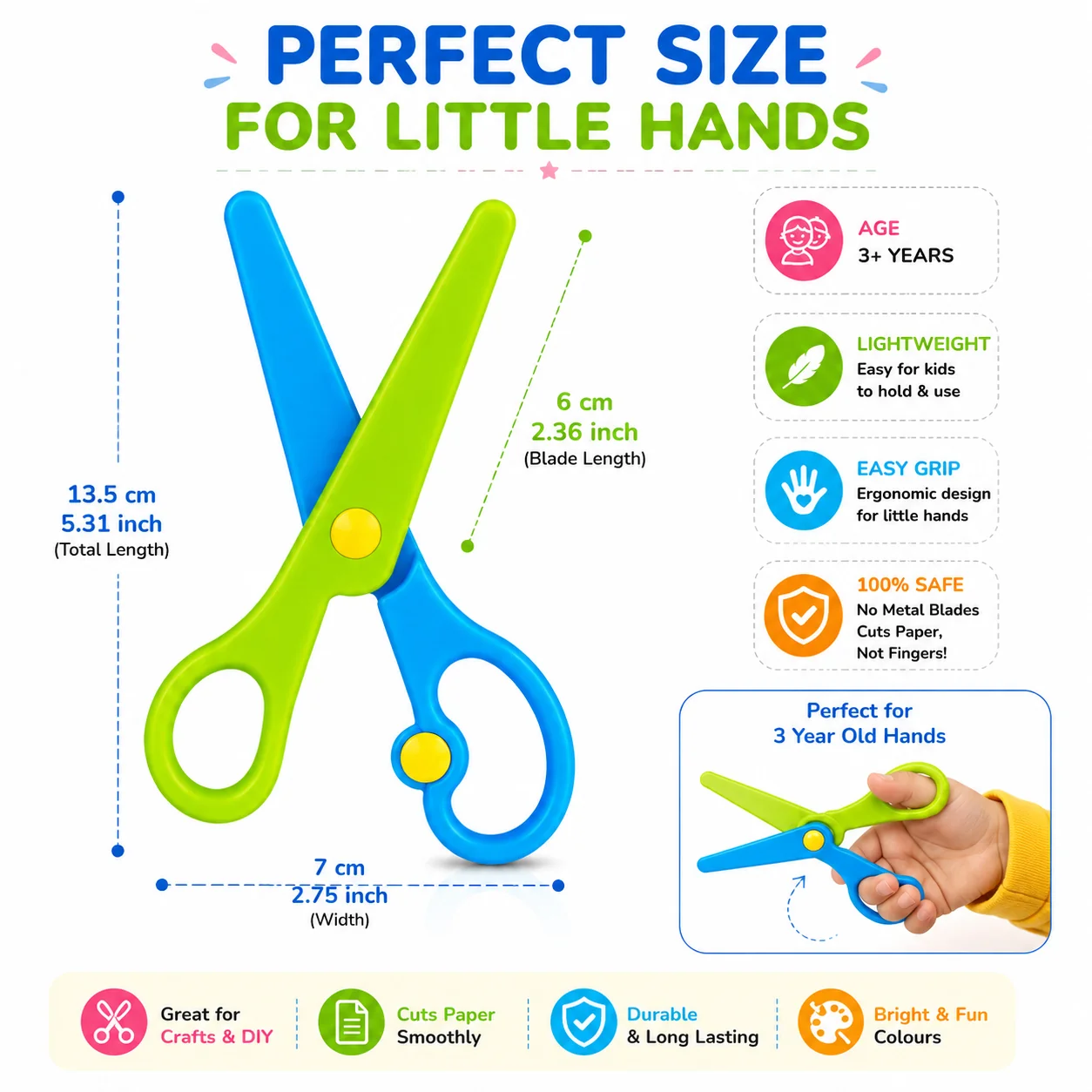
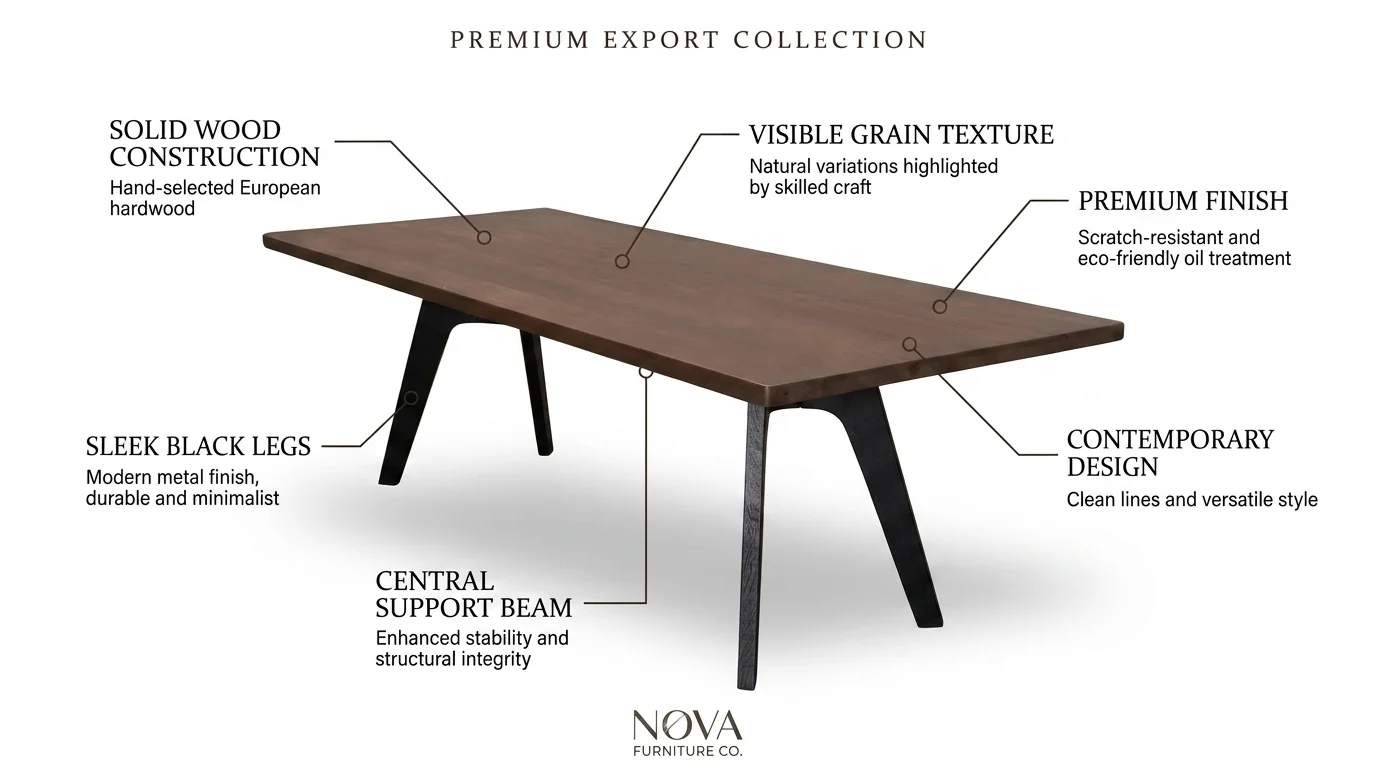
See more complete image sets on our furniture and fashion pages, or the full portfolio on the home page.
What makes an infographic actually sell
- One message per image. A dimensions image shows dimensions. Five unrelated claims on one image means none of them get read.
- Readable on a phone. Short callouts, large type and strong contrast. We check every design at mobile size before it goes to you.
- Answer real objections. Your reviews and customer questions tell you what buyers worry about — size, material, compatibility, cleaning. Those become the callouts.
- Only claims you can prove. No fake badges, "No.1" stickers or certifications you don't hold. They hurt trust and can get images removed.
- Consistent look across the gallery. Same fonts, colours and icon style in every image, so the listing feels like one brand, not six freelancers.
How it works
- 01
Send product + key points
Share your existing photos (or ship the product), your listing bullets and the questions buyers keep asking in reviews and Q&A.
- 02
Plan the image stack
We decide which infographic goes in which gallery slot and write short, scannable callouts — usually 3 to 6 words each.
- 03
Design & approve
Clean product render, brand colours and icons, checked at phone size. You approve or ask for changes before final export.
- 04
Upload-ready files
High-resolution JPEGs sized for Amazon zoom, delivered within 24 hours of payment. The same set works on Flipkart and your own store.
Infographics are part of our full listing packs, alongside hero shots, lifestyle images and A+ content. Packages start at ₹299, every order has a 100% money-back guarantee, and revisions follow our production policy.
Frequently asked questions
Can I put an infographic as the main image on Amazon?
No. Amazon asks for the main image to be the product on a pure white background (RGB 255, 255, 255), and text, borders or other decorations on it can trigger a listing quality alert. Infographics go in the additional image slots — slot 2 onwards.
How many infographics should an Amazon listing have?
Amazon recommends at least six images plus a video. For most products we suggest two to four infographics (features, dimensions, what's in the box, how to use) mixed with lifestyle and close-up photos, so the gallery doesn't feel like a wall of text.
What size should an Amazon infographic be?
Amazon accepts images from 500 to 10,000 pixels on the longest side, but prefers more than 1,000 pixels so zoom works. We deliver square 2000 × 2000 px JPEGs, which stay sharp on zoom and read well on mobile.
Do I need to send the physical product?
Usually not. Clear photos of the product from a few angles are enough for most infographics. For premium or reflective products we may ask you to ship a sample so the render is accurate.
How much does Amazon infographic design cost?
Our listing packages start at ₹299, and your first product is free on WhatsApp so you can judge the quality before you pay. Message us with your product and we'll suggest the right package.
Get your first infographic free
Send one product on WhatsApp and we'll design its first image set free — see the quality before you spend a rupee. Mon–Sat, 10am–7pm IST.
WhatsApp for a free first shootPrefer a form? Contact us.